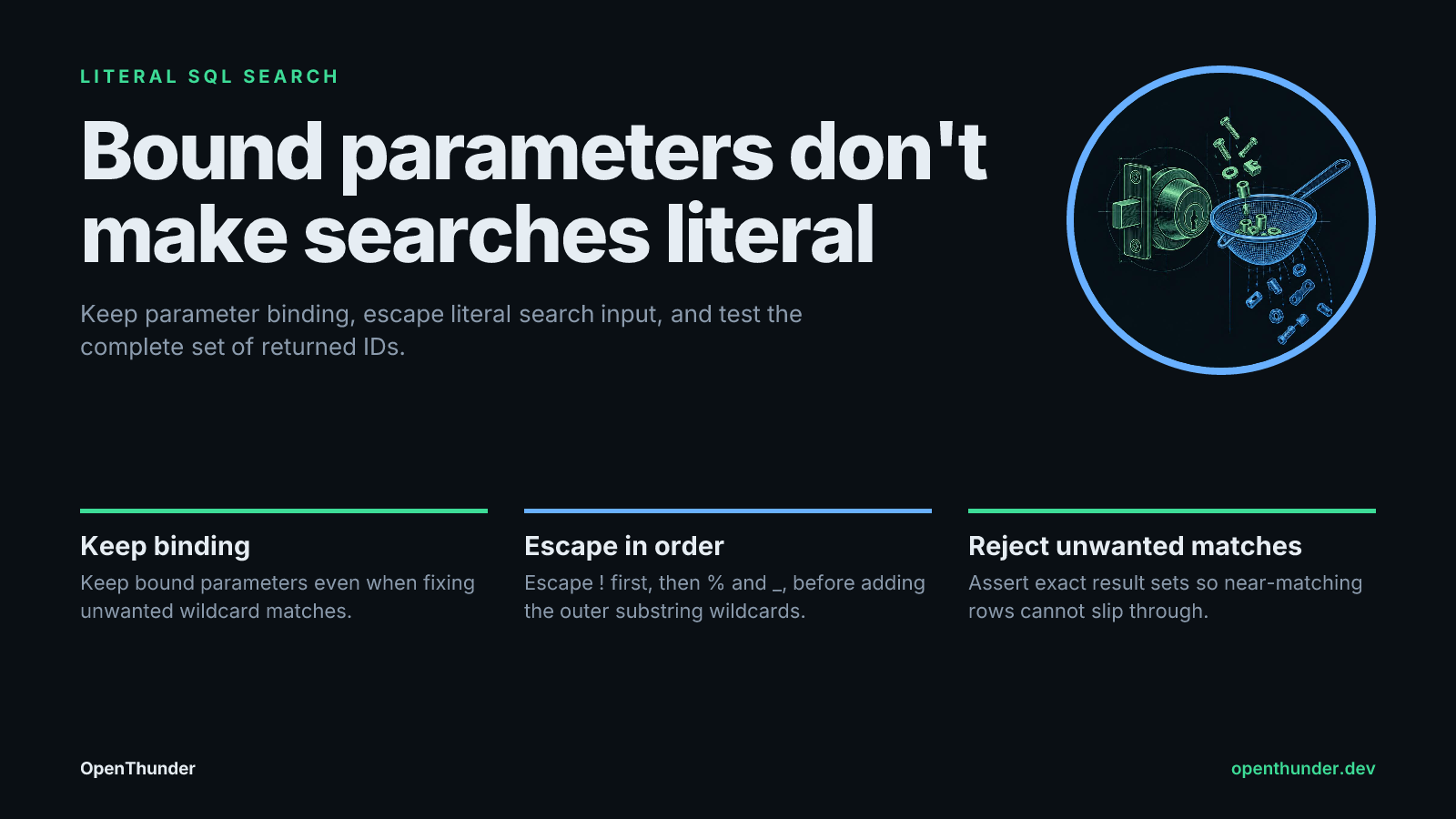
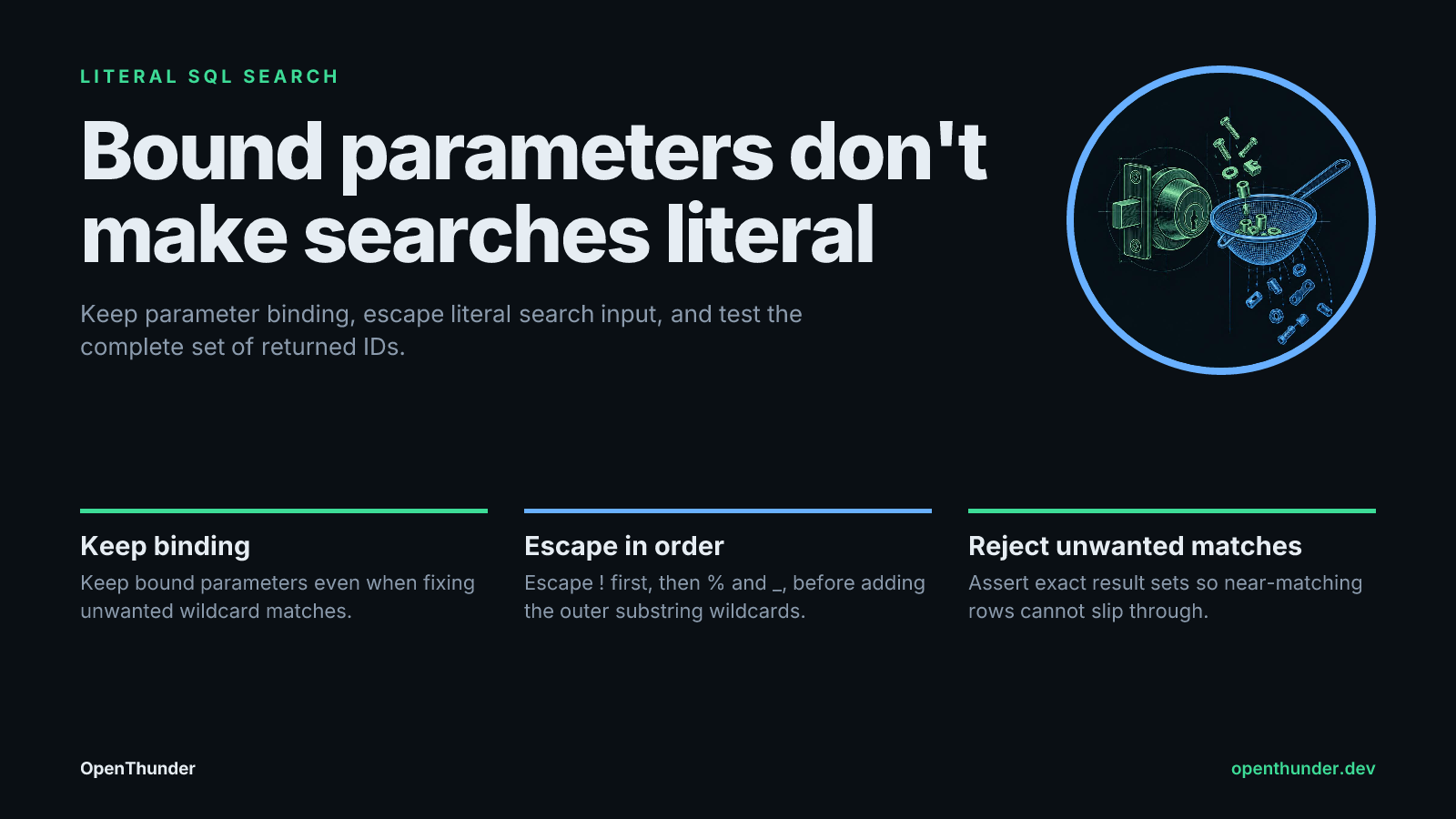
Bound parameters don't make searches literal. Keep parameter binding, escape literal search input, and test the complete set of returned IDs. Save the slide (PNG)
For example, a search for 10% should return discount 10%, but not discount 100. A correctly bound parameter still treats the user's percent character as a wildcard in this query:
connection.execute(
    "SELECT id FROM items WHERE label LIKE ?",
    ("%" + search_text + "%",),
)
The resulting pattern is %10%%. Its percent characters mean “any sequence of characters,” including the percent supplied by the user.
Binding protects the SQL boundary, not the search contract.
If you are reviewing an AI-generated search helper, keep parameter binding and add a behavioral test. Replacing binding with string-built SQL would solve neither problem safely. Add pattern escaping when the requirement is literal search, not when users are meant to supply wildcards.
Define which characters must stay literal
For this check, the contract is a substring search where user-supplied %, _, and ! are literal characters. The implementation reserves ! as SQLite’s explicit escape character. SQLite’s LIKE and ESCAPE documentation defines the relevant syntax:
%normally matches any sequence of characters._normally matches one character.- With
ESCAPE '!',!%,!_, and!!represent literal percent, underscore, and exclamation mark.
Escape the user input first, then add the outer % characters that implement substring matching. Otherwise, you would escape the wildcards the application deliberately needs.
Escape the escape character first.
That ordering matters because later replacements introduce new exclamation marks. Escaping those newly introduced marks would change the pattern’s meaning.
The fixture makes the distinction visible:
| Search input | Required row IDs | Faulty bound-query row IDs |
|---|---|---|
% |
1, 7 |
1–9 |
_ |
3, 7 |
1–9 |
!%_ |
7 |
7, 8 |
The near-matching rows expose the defect. A fixture containing only the desired matches would let the faulty query pass.
Save this isolated regression check
Save the following as test_like_escape.py. It uses Python’s standard-library sqlite3 and unittest modules and creates only an in-memory database.
Assert the complete expected ID set so unwanted matches fail too. Checking that one desired row appears would miss the overmatching shown above.
import sqlite3
import unittest


ROWS = [
    (1, "discount 10%"),
    (2, "discount 100"),
    (3, "file_name"),
    (4, "fileXname"),
    (5, "bang!done"),
    (6, "bangdone"),
    (7, "mix!%_end"),
    (8, "mix!ABZend"),
    (9, "ordinary"),
]


def bound_like(connection, text):
    # Deliberately faulty: binding does not make wildcards literal.
    rows = connection.execute(
        "SELECT id FROM items WHERE label LIKE ? ORDER BY id",
        ("%" + text + "%",),
    )
    return [row[0] for row in rows]


def escape_like_literal(text):
    return (
        text.replace("!", "!!")
        .replace("%", "!%")
        .replace("_", "!_")
    )


def literal_like(connection, text):
    pattern = "%" + escape_like_literal(text) + "%"
    rows = connection.execute(
        "SELECT id FROM items "
        "WHERE label LIKE ? ESCAPE '!' ORDER BY id",
        (pattern,),
    )
    return [row[0] for row in rows]


class LiteralLikeTests(unittest.TestCase):
    def setUp(self):
        self.connection = sqlite3.connect(":memory:")
        self.connection.execute(
            "CREATE TABLE items "
            "(id INTEGER PRIMARY KEY, label TEXT NOT NULL)"
        )
        self.connection.executemany(
            "INSERT INTO items (id, label) VALUES (?, ?)",
            ROWS,
        )

    def tearDown(self):
        self.connection.close()

    def test_faulty_helper_exposes_wildcard_expansion(self):
        all_ids = [row_id for row_id, _ in ROWS]
        self.assertEqual(bound_like(self.connection, "%"), all_ids)
        self.assertEqual(bound_like(self.connection, "_"), all_ids)
        self.assertEqual(bound_like(self.connection, "!%_"), [7, 8])

    def test_literal_substring_contract(self):
        cases = [
            ("%", [1, 7]),
            ("_", [3, 7]),
            ("!", [5, 7, 8]),
            ("!%_", [7]),
            ("10%", [1]),
            ("file_", [3]),
            ("bang!", [5]),
            ("ordinary", [9]),
            ("missing", []),
            ("", [row_id for row_id, _ in ROWS]),
        ]
        for text, expected_ids in cases:
            with self.subTest(text=text):
                self.assertEqual(
                    literal_like(self.connection, text),
                    expected_ids,
                )


if __name__ == "__main__":
    unittest.main()
Run it locally or as a CI step:
python -m unittest -v test_like_escape.py
The first test documents the deliberately faulty helper’s overmatching. The second enforces the desired behavior.
Assert unwanted matches are absent too
A check that merely looks for placeholders would accept both helpers. Both bind their values, but only one implements the literal-search requirement.
Exact result sets catch both missing matches and unwanted matches.
The fixture deliberately exercises four distinct boundaries:
| Boundary | What catches a mistake |
|---|---|
| Literal percent | % and 10% reject wildcard expansion. |
| Literal underscore | _ and file_ reject single-character substitution. |
| Escape character | ! and bang! catch mishandling of the chosen escape character. |
| Combined characters | !%_ catches interactions that isolated inputs can miss. |
The empty-input case also records a product decision: here, an empty search returns every row. If your application rejects empty searches or returns no results, change that expectation and implement the policy explicitly.
“Literal” here concerns pattern metacharacters, not case sensitivity. The lowercase fixture deliberately avoids making a broader promise about text comparison.
Test the actual query path before relying on CI
This file demonstrates SQLite behavior. For an application regression test, I would call the production search helper against the target database engine, reaching the ORM wrapper and request validation where present. Testing a separately copied implementation will not catch changes to the actual query path.
When adapting the test, revalidate these assumptions:
- Pattern syntax: confirm
%,_, and any additional metacharacters the target engine recognizes. - Escape handling: confirm support for the chosen
ESCAPEclause and how the driver transmits the pattern. - Text comparison: test the required case, Unicode, and collation behavior with explicit examples.
- Application boundaries: decide how empty input and nullable columns should behave.
Try it today: run the file, then change the contract test’s call from literal_like to bound_like and rerun it. Inspect the % failure: all nine IDs appear instead of [1, 7]. Restore literal_like, then add one application-specific input and its exact expected IDs using synthetic data.
Save the field guide
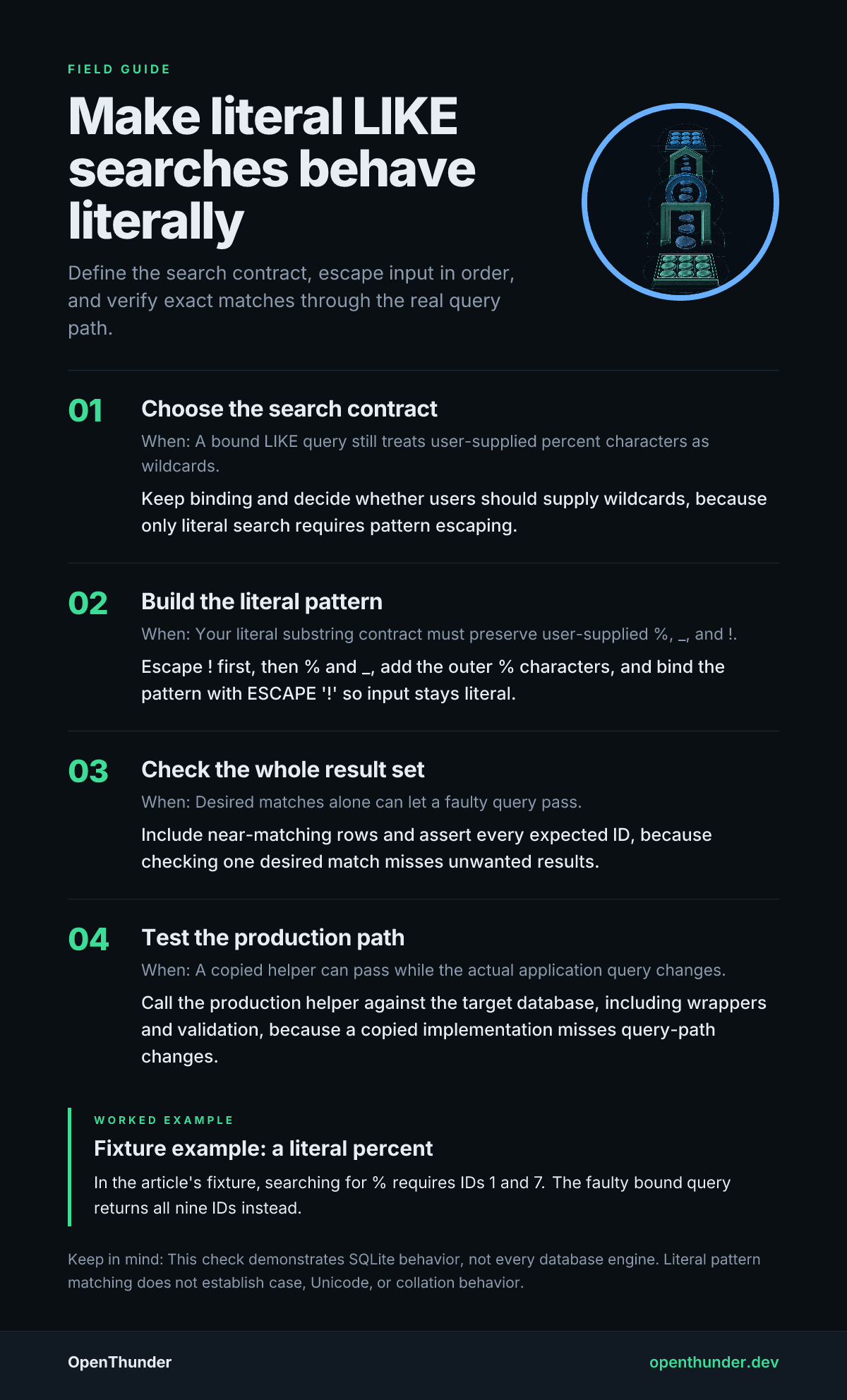
A field guide distilled from this article. The text version follows below.
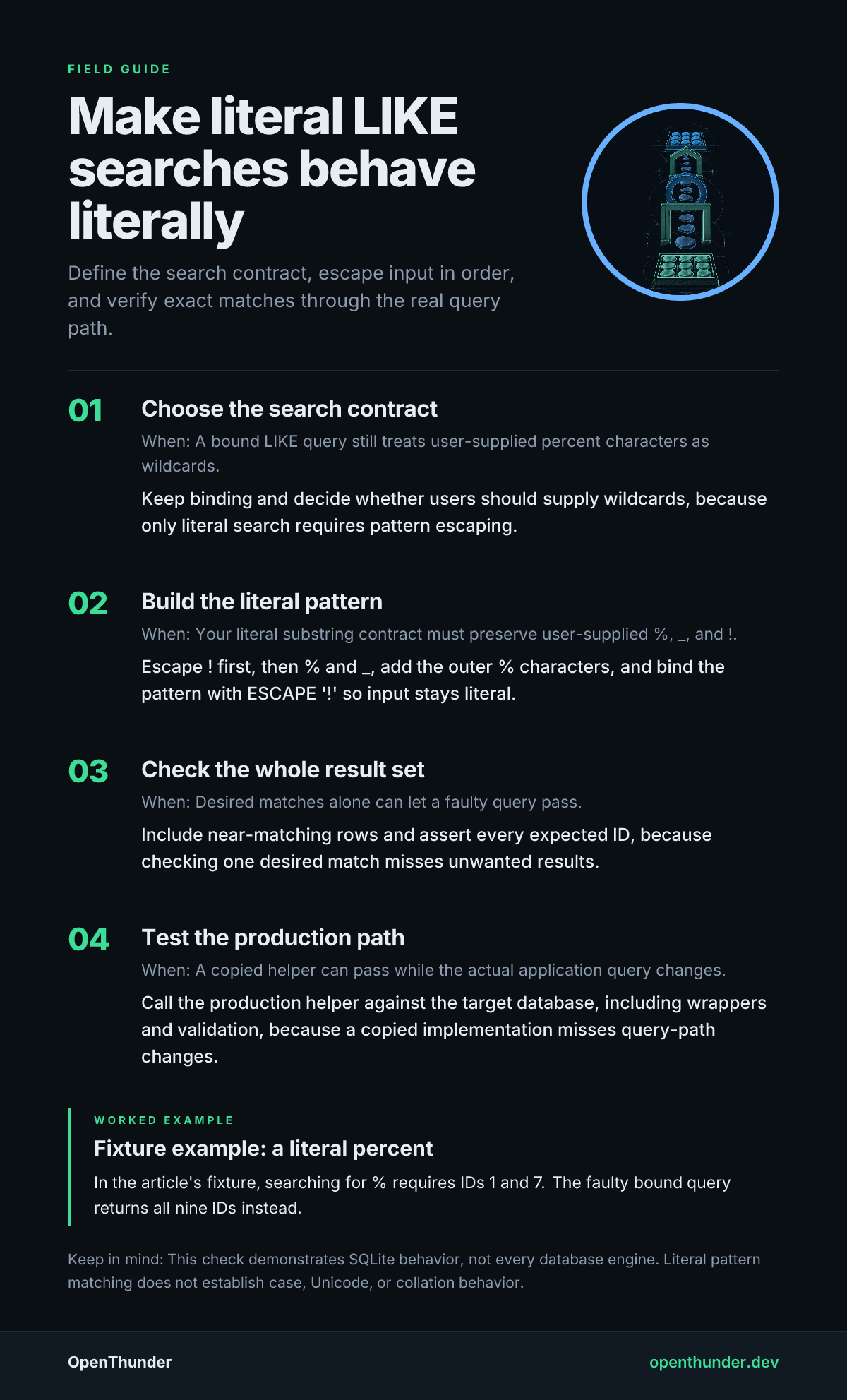
Text version
- Choose the search contract: A bound LIKE query still treats user-supplied percent characters as wildcards. Keep binding and decide whether users should supply wildcards, because only literal search requires pattern escaping.
- Build the literal pattern: Your literal substring contract must preserve user-supplied %, _, and !. Escape ! first, then % and _, add the outer % characters, and bind the pattern with ESCAPE '!' so input stays literal.
- Check the whole result set: Desired matches alone can let a faulty query pass. Include near-matching rows and assert every expected ID, because checking one desired match misses unwanted results.
- Test the production path: A copied helper can pass while the actual application query changes. Call the production helper against the target database, including wrappers and validation, because a copied implementation misses query-path changes.
Fixture example: a literal percent: In the article's fixture, searching for % requires IDs 1 and 7. The faulty bound query returns all nine IDs instead.
This check demonstrates SQLite behavior, not every database engine. Literal pattern matching does not establish case, Unicode, or collation behavior.